How to Install Cricketbook APK

Tarun Sarkar Aug 24, 2026 Last update
People typing cricketbook apk want the Android package, not an iOS store button and not a desktop site. This URL is the APK file path only. The mixed Android + iOS hub stays on app download. Unknown-sources toggles live on how to install the APK.
This page answers what the file is, which Android version it needs, and how to tell a copycat package from the installer you open from this site.

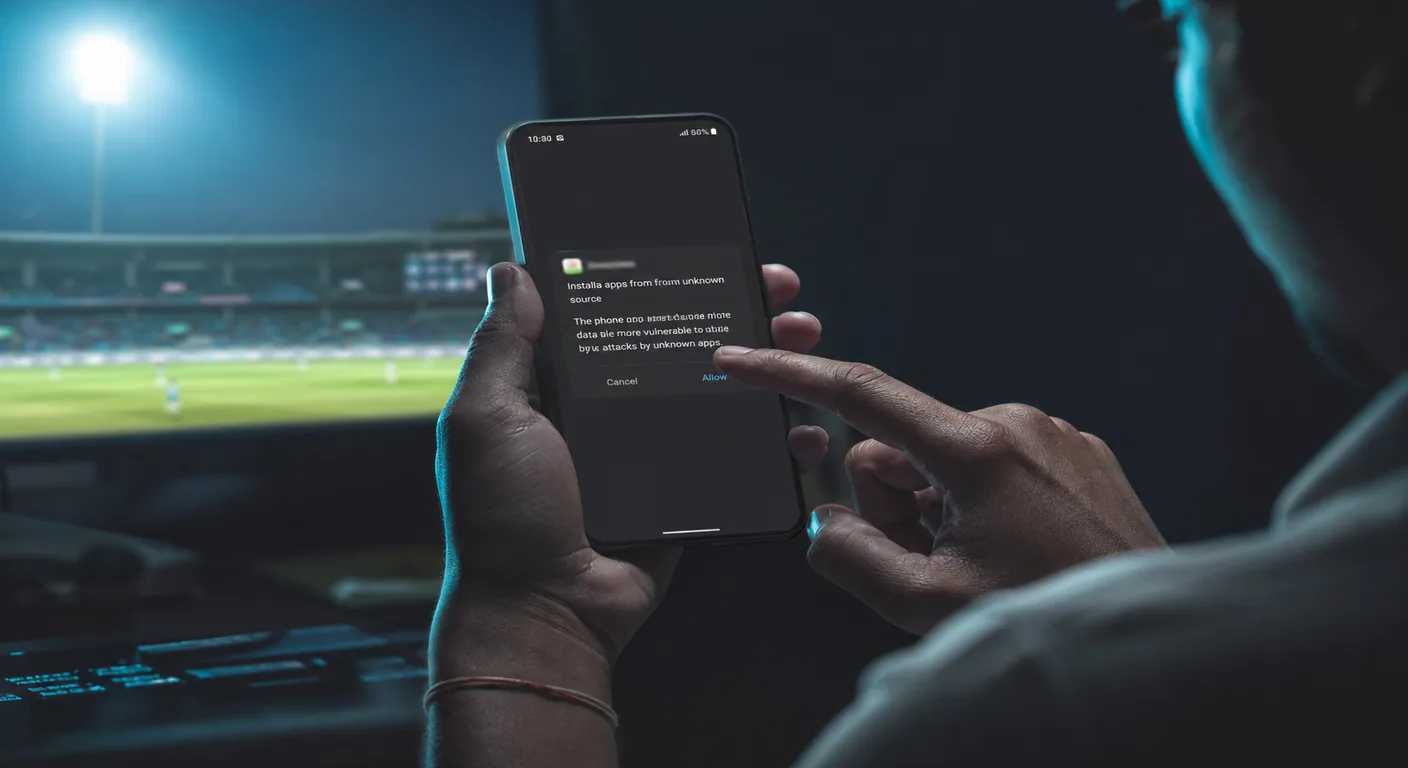
An APK is the Android installer. It is not a Play Store listing and it is not the mobile website. After you save the file, Android asks to install a package. If that prompt never appears, you downloaded a zip, a PDF, or a tracker page — start again from the official Android button, not from a forwarded WhatsApp file.
This site lists the current Android build as version 1.1.2, about 90 MB, on Android 6.0 or later, Hindi and English. If a mirror shows a 12 MB “lite” APK or a 2022 timestamp, treat it as a different product.
Open the download from cricketbook.it.com (or the Gozzi wrap this site uses), not from a shortened random domain. Confirm the filename looks like an app package, not “cricketbook-io-hack”. Do not grant install permission to a file manager you did not open yourself.
After install, the icon should open a sportsbook/casino lobby, not a survey or a crypto wallet. If the first screen asks you to sideload a second APK, stop. Compare that behaviour with the legit checks page.
On many Indian Androids the APK lands in Chrome → Downloads, not on the home screen. Three dots in Chrome → Downloads → the ~90 MB file. If Files shows a 0 KB or 2 MB object, the transfer died. Delete it and tap the Android button again on Wi-Fi, not on a flaky 4G hop.
Do not unzip the APK. Android installs the package as-is. A “password-protected zip” from Telegram is a different file.
This site’s listed Android build is 1.1.2. A chat that says “update to 2.0 or login will break” and then sends a second APK is a classic swap. Uninstall only if the signature will not overwrite, then install again from this page’s download path, not from the chat.
Use the Android download on this site. Do not install a forwarded APK from chat. iOS users should not look for an APK at all.
The listed build needs Android 6.0 or later, version 1.1.2, about 90 MB.
No. cricketbook.io is a common search typo. This site is cricketbook.it.com. See the cricketbook.io page if that is what you typed.
The APK path is sideload. A Play-coloured button on this site is a download CTA, not a store listing.
That is an install-permission issue. Use the how-to-install page, not a second APK from a different domain.