Cricketbook APK Download

Meghna Raut Aug 24, 2026 Last update
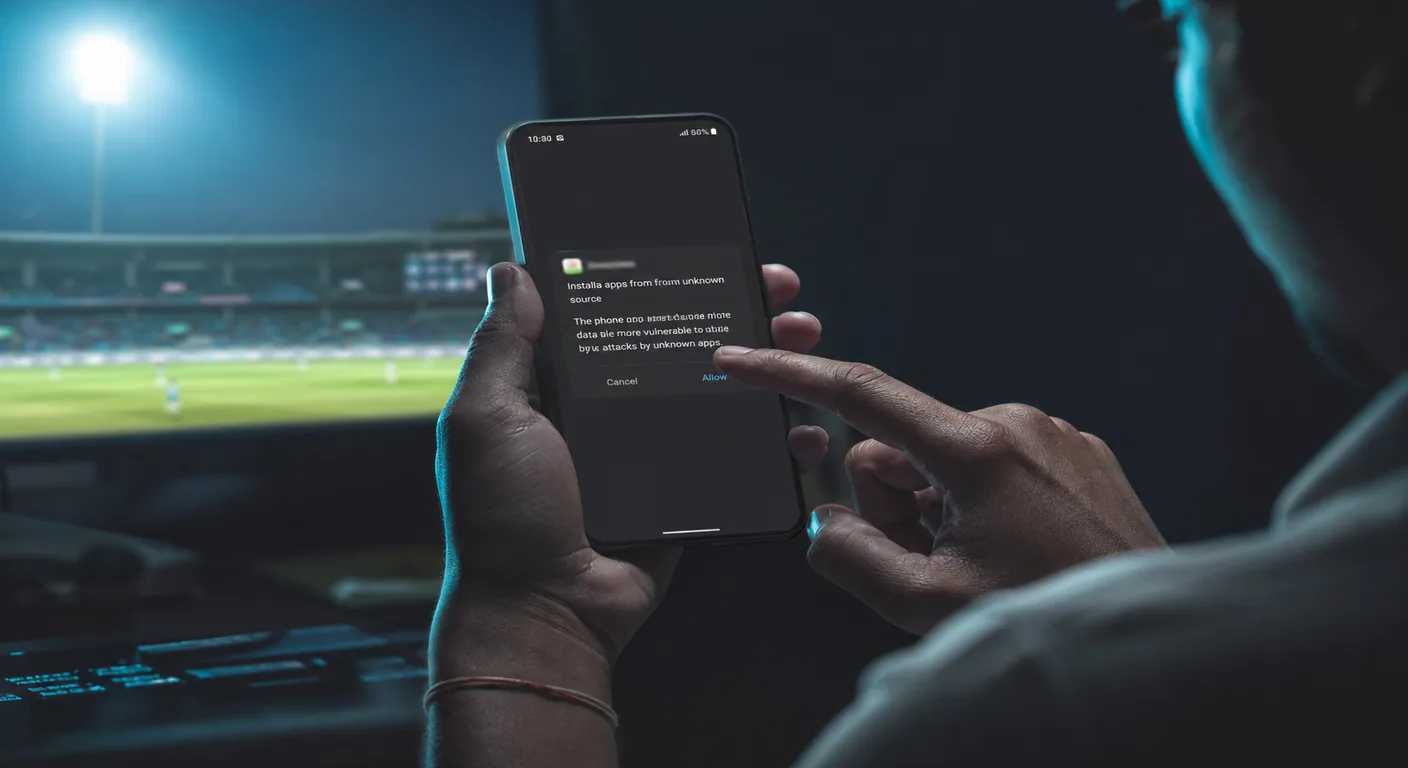
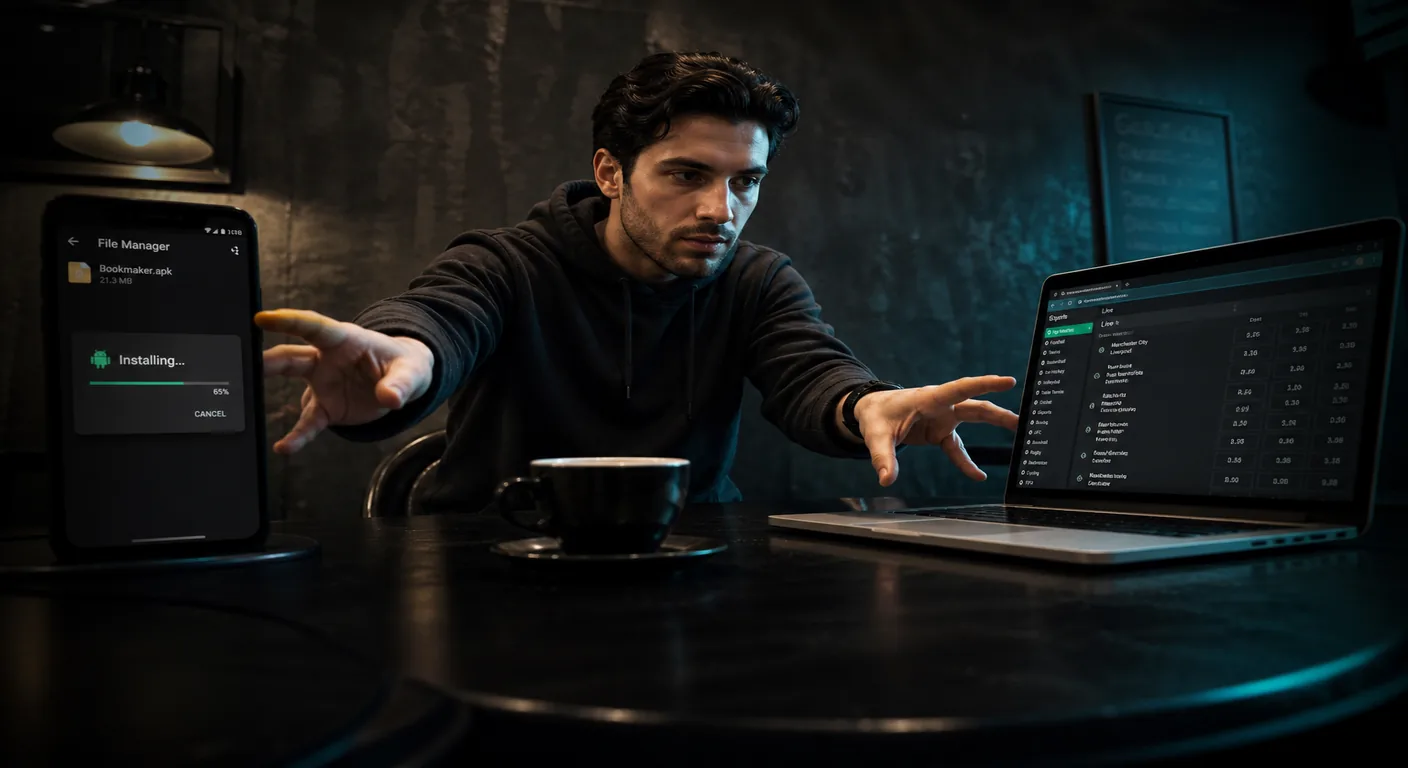
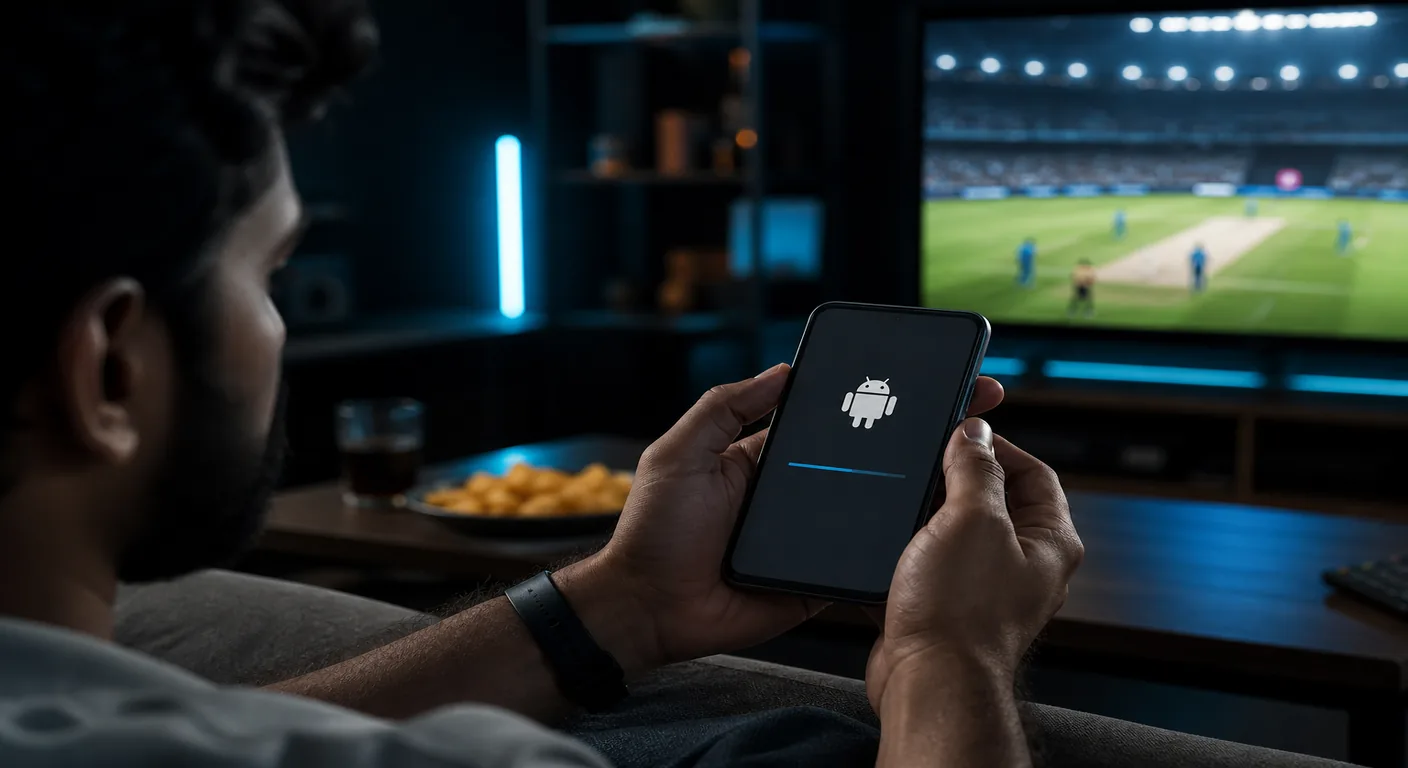
This page is the install sequence, not the file itself. Get the package from Cricketbook APK download first. If you only need iOS, skip this URL and use app download.
Most failed installs on Indian Androids are Play Protect, a browser that never got “install unknown apps”, or a truncated download — not a missing “official Play Store” listing.

Do not enable unknown sources for every app. One browser is enough.
Sideloaded sportsbook APKs often trigger Play Protect. If Android offers “Install anyway”, that is a risk choice on your device, not a licence stamp. If it offers only “OK” with no override, delete the file and download again from this site — a truncated APK also fails the scan.
A second APK that claims to “disable Play Protect” is malware. There is no installer for that on this domain.
If the app opens to a login wall, use login. New accounts: registration. First deposit floor on this site is listed as ₹200; cashout floor ₹1,000. Details on min deposit.
MIUI hides the permission under Settings → Apps → Manage apps → Chrome (or your browser) → Other permissions → Install unknown apps. Vivo/iQOO often use iManager → Security → Installation management. Samsung: Apps → Chrome → Install unknown apps. The wording changes by skin; the rule does not: allow one browser, install, then switch it off.
If the phone has a work profile, the APK must install into the same profile that downloaded it. Installing into personal while Chrome ran in work (or the reverse) throws “app not installed” with no useful toast. Move the file off an SD card onto internal storage before you tap it; some skins refuse packages from removable media.
Sideload installs are not Play Store packages. Allow install for that one browser, or use Install anyway only if you trust the file you just saved from this site.
No. Switch it off after the install succeeds.
Open Downloads inside Chrome (three dots) and tap the APK. The notification shade can hide the prompt.
You can install the package on more than one device. Do not share one logged-in account across family phones if you want clean KYC and payouts.
There is no APK on iOS. Use the iOS path on the app download page.